
Understand any code
in seconds.
Paste a snippet, get a plain-English explanation and a 0–100 health score — across complexity, technical debt, and maintainability. Prioritized fixes in under ten seconds.
Health Score
Grade D — Needs work
SQL Injection
Line 6: String interpolation
Plain Text Password
Line 8: No hashing used
No Error Handling
Missing try-catch
Analyzed in
8.4 seconds
One workspace. Every signal.
A complete look at Sensei — what it analyzes, what it flags, what it integrates with, and how it scores. The next two minutes of scroll, condensed into one frame.
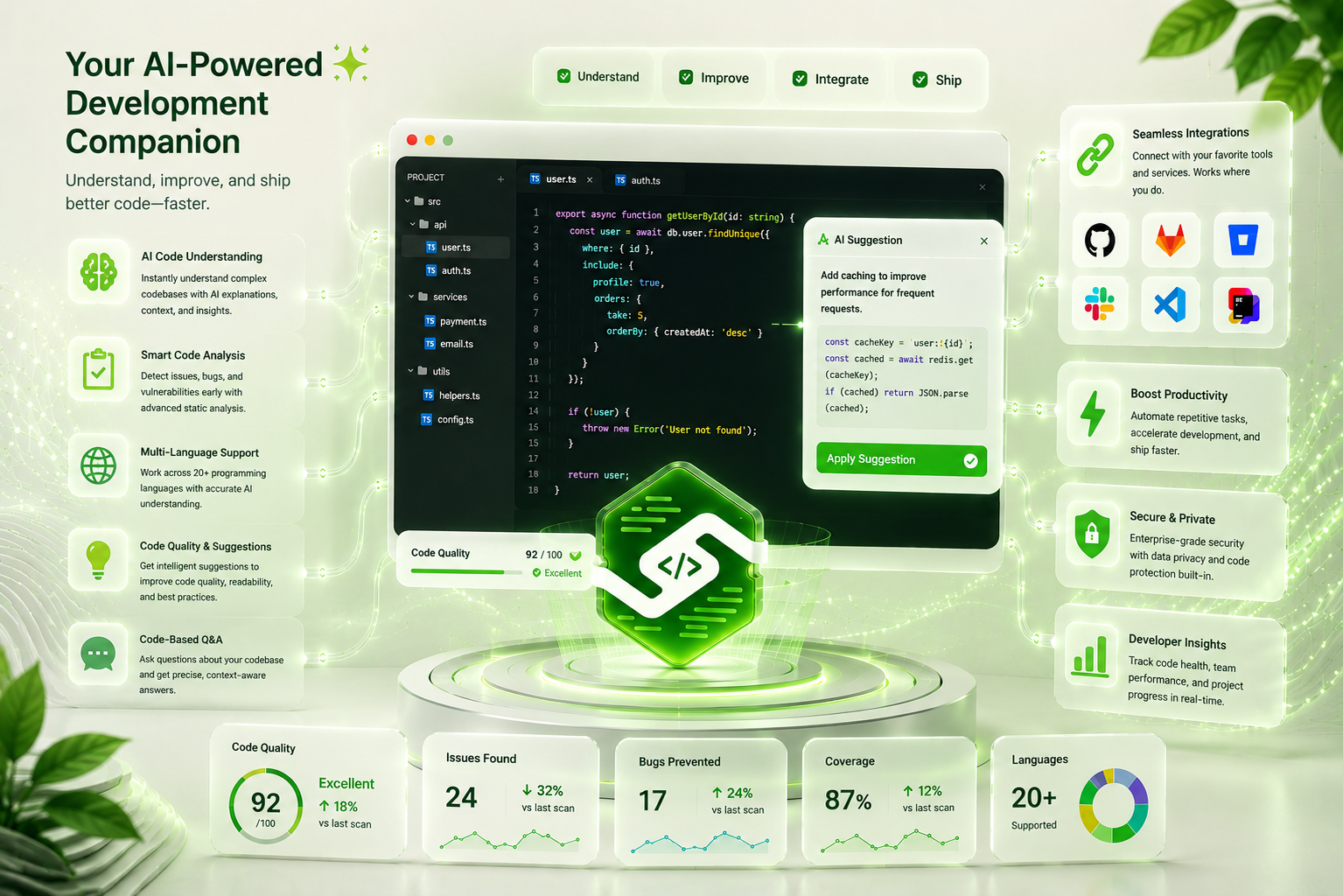
FIG. 01 · END-TO-END PRODUCT
"Editor view, AI suggestion panel, and live stats — captured during a real analysis run."
Auto-detected from filename and content. Each language gets idiom-aware heuristics — Python's mutable defaults, Rust's unwrap()overuse, Go's unchecked errors. Generic vibes go nowhere.
Plus JSX, TSX, YAML, JSON, Bash, Dockerfile, Terraform, Solidity, Scala, and Elixir — all auto-detected.
Six surfaces. One product that gets your code.
Every feature is shaped around a real moment in your workflow — pasting a snippet, re-analyzing after a fix, asking a follow-up, sharing the result.
Drop image here
01-ai-code-understanding.png
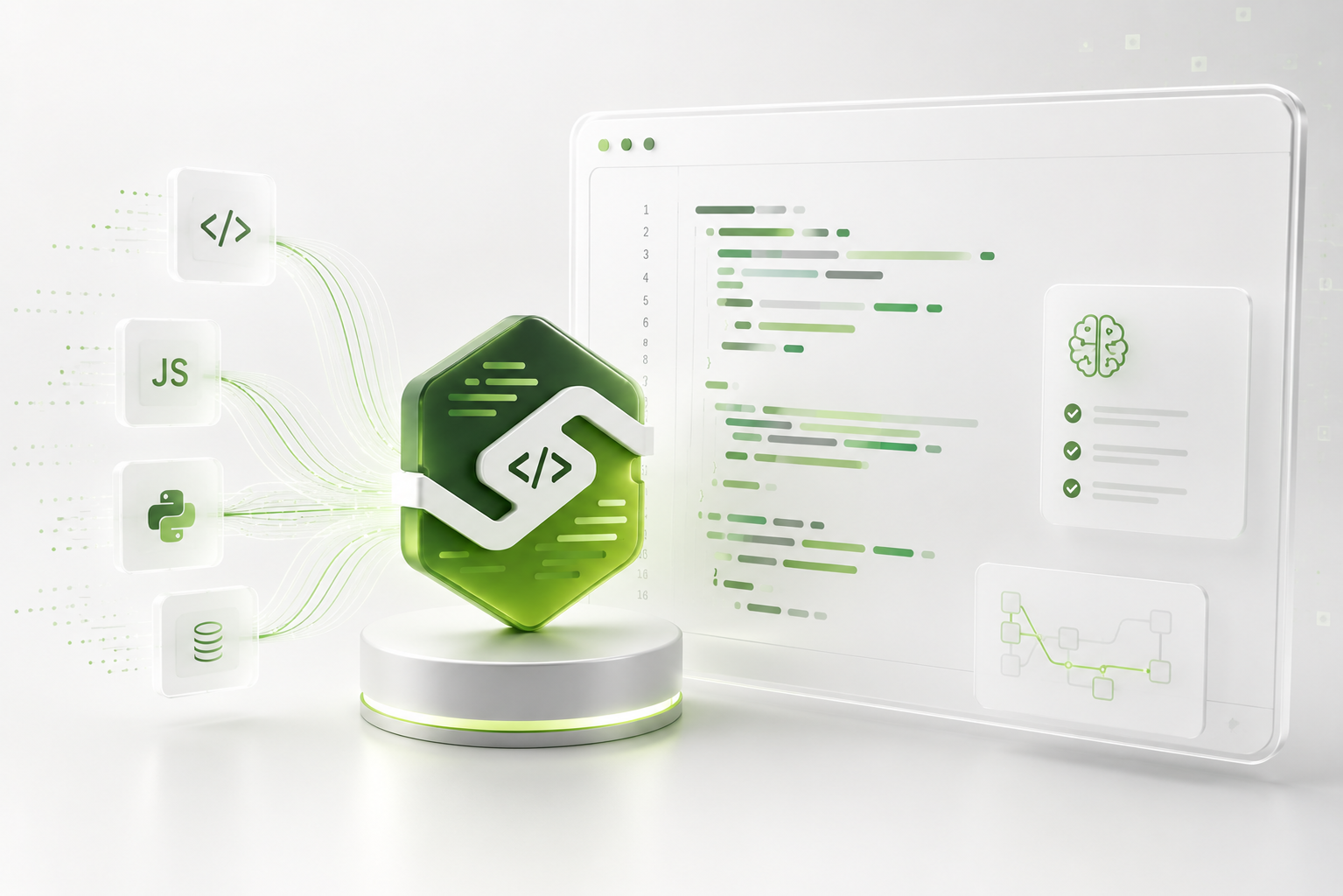
AI code understanding
Paste any function and get a plain-English narrative of what it does, the side effects, and the sharp edges — without slogging through stack traces or grepping for callers.
- Function-by-function narration with intent and IO surface
- Identifies risky branches and explains them in context
- Copyable summary block for code-review prep
Drop image here
02-smart-code-analysis.png
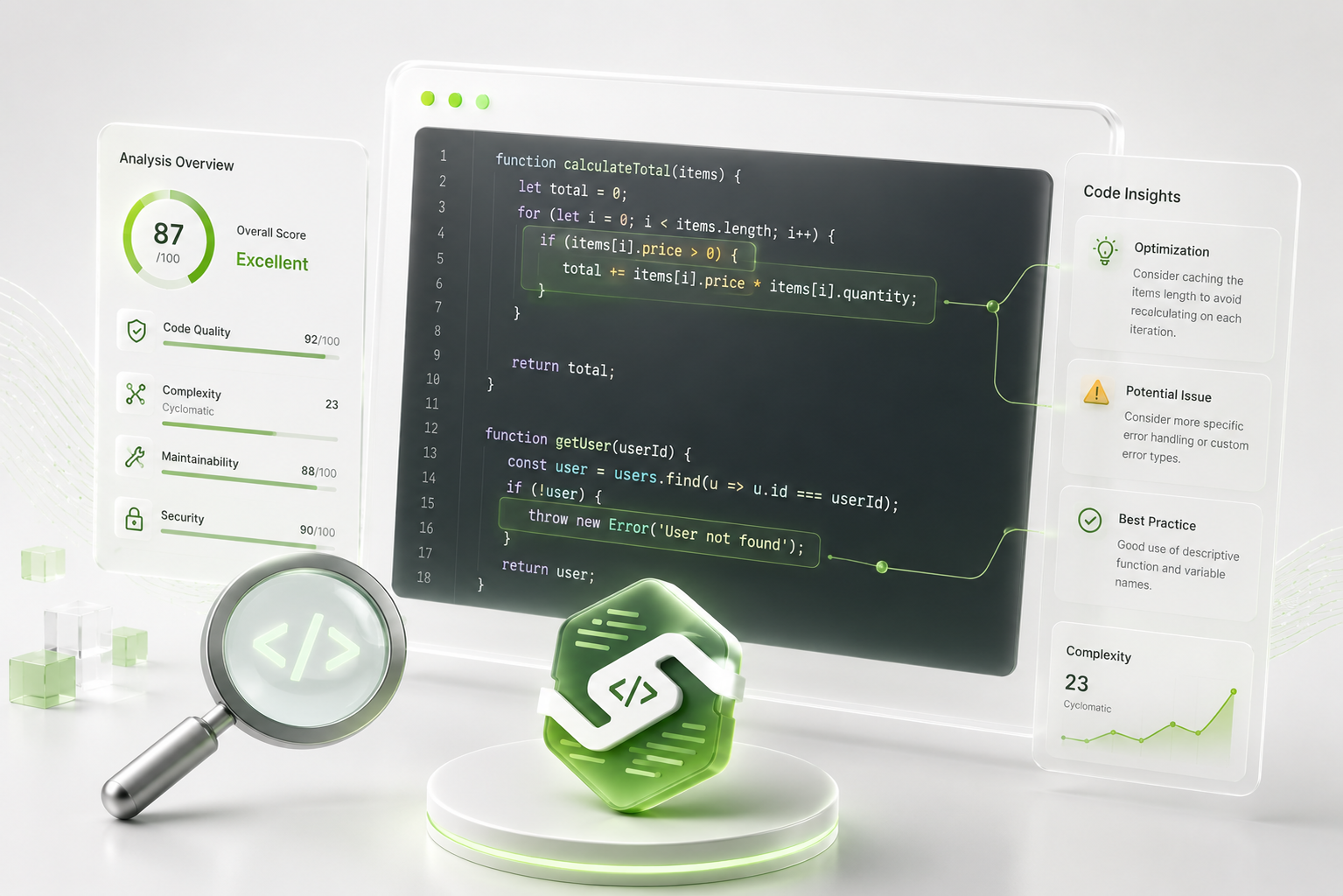
Smart code analysis
A reproducible 0–100 health score broken down across complexity, technical debt, and maintainability. The math is open — every number traces back to a heuristic.
- Per-factor breakdown via the "Why this score?" panel
- Complexity trend visualized over your history
- Issue / warning / smell counts surfaced at a glance
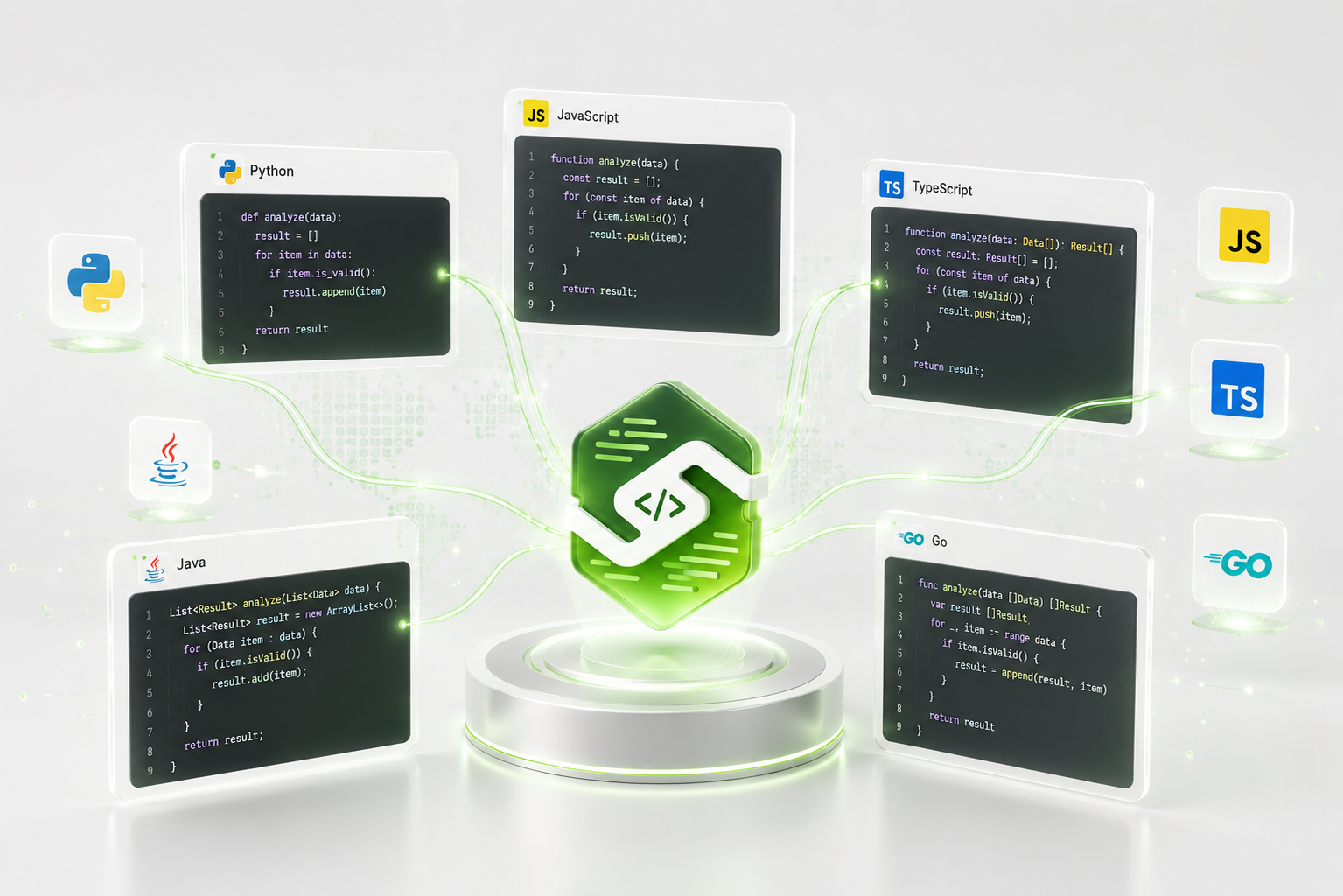
Multi-language support
Sensei reads 15+ languages with idiom-aware heuristics. Python gets Python feedback (mutable defaults, bare excepts). Rust gets Rust feedback (unwrap overuse, panic in libraries). Generic vibes get nowhere.
- 01
TypeScript · JavaScript · Python · Go · Rust · Java · Kotlin · Ruby · PHP · C# · SQL · and more
- 02
Auto-detection from filename + content signals
- 03
Findings tagged with the language convention they reference
Drop image here
03-multi-language-support.png
Drop image here
04-code-quality-suggestions.png
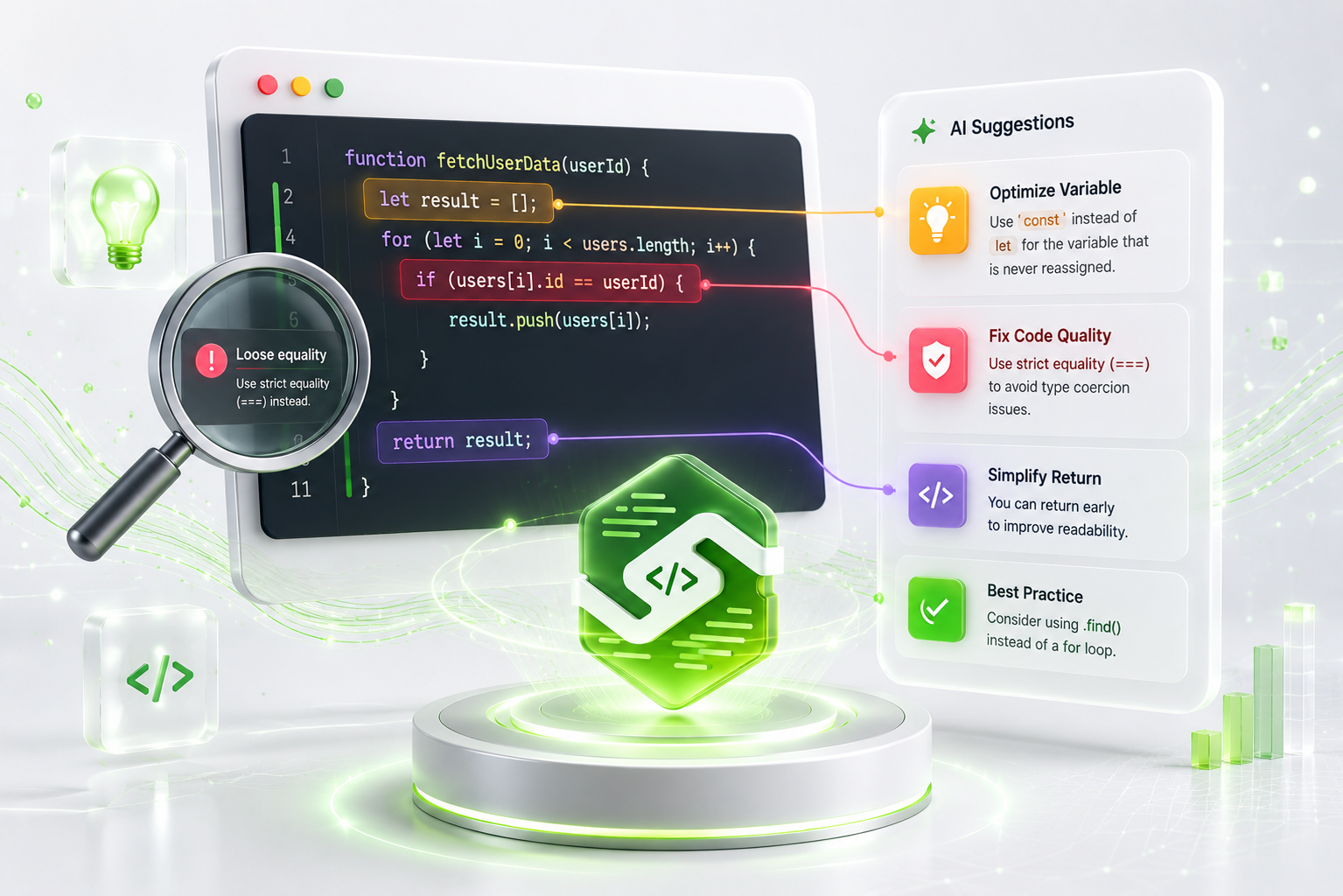
Code quality & suggestions
Every analysis produces prioritized suggestions with effort estimates. Pin them as notes, share with a teammate, or queue them for your next refactor sprint.
- Severity-rated suggestions: Critical → Low
- Each suggestion carries effort estimate + category
- Re-analyze after a fix and Compare to prove the impact
Drop image here
05-codebase-qa.png
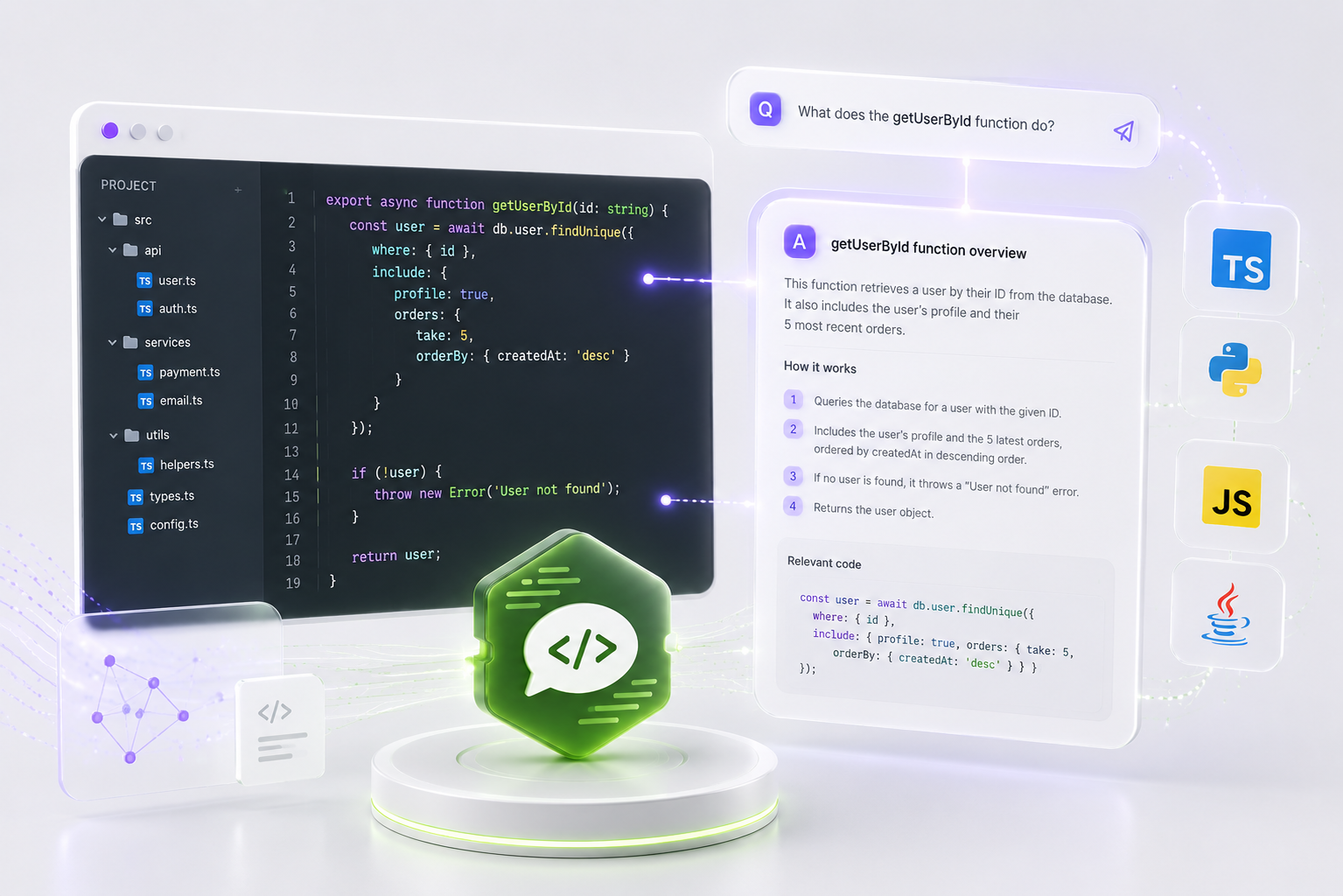
Codebase Q&A
The one-shot analysis answers the questions you thought to ask. Chat answers the follow-ups — "explain this function," "why is the score low?", "show me a fix" — anchored to the analysis you're looking at.
- Suggested prompts to bootstrap the conversation
- Streamed token-by-token responses keyed on the parent analysis
- Conversation persists per analysis across sessions
Drop image here
06-seamless-integrations.png
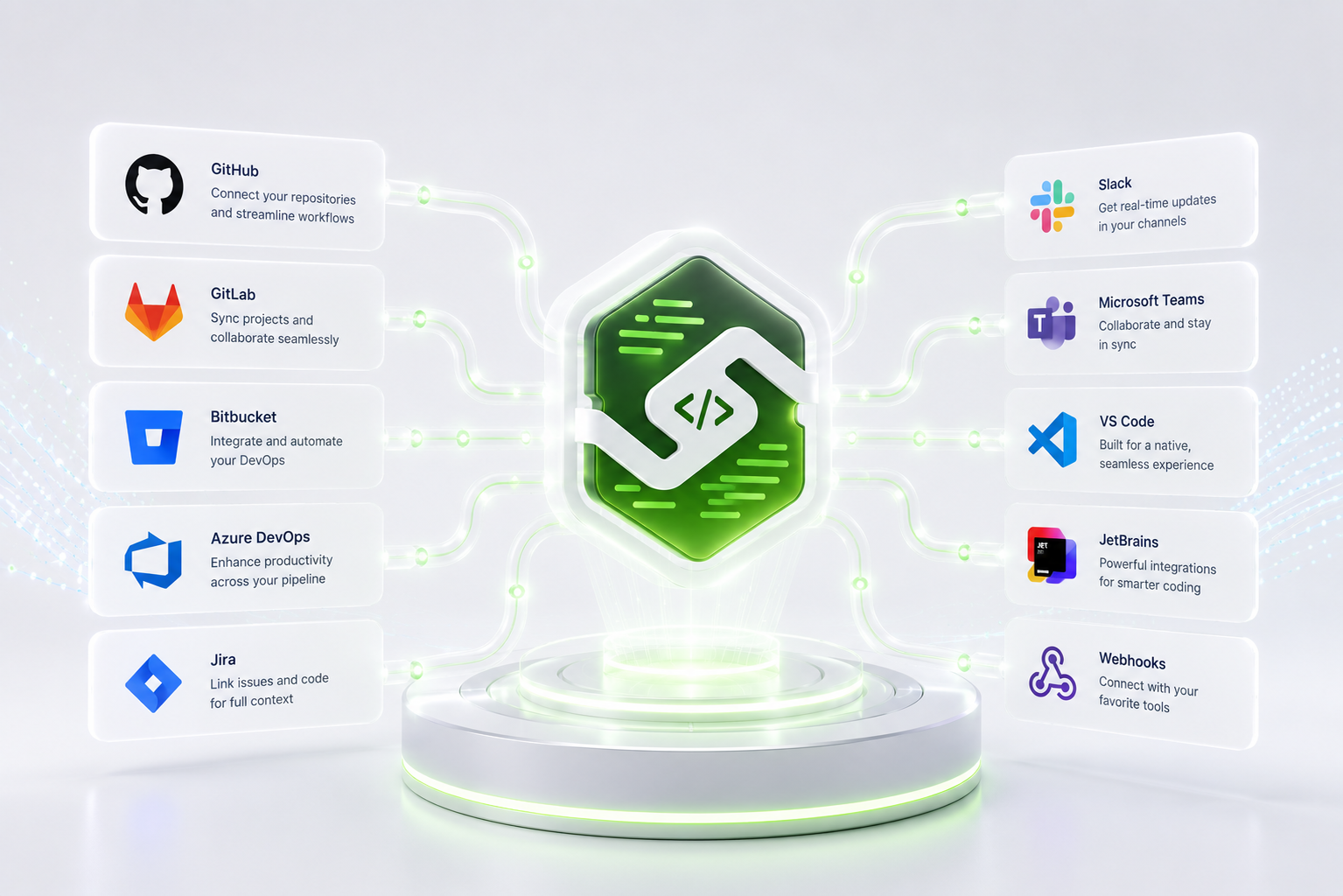
Seamless integrations
Paste a GitHub file URL today; native CI checks, IDE companions, and chat-app surfaces are on the roadmap. Sensei is designed to slot into the tools your team already uses.
- Paste any github.com / raw.githubusercontent.com URL → analyzed in one click
- Public share links work everywhere — Slack, email, PR comments
- IDE + CI integrations on the roadmap
Three dimensions. One actionable grade.
Most AI review tools spit out vibes. Sensei shows its math — so you know exactly what changed when your score moves.
Complexity
Lower is better
Cyclomatic + cognitive complexity. Lower is better — flags functions that branch too much or nest too deeply.
Technical Debt
Lower is better
Code smells, anti-patterns, and refactoring debt. Each finding carries an effort estimate so you know what to tackle first.
Maintainability
Higher is better
Readability, structure, naming, and documentation. Higher means the next engineer to touch this file will thank you.
THE FORMULA
Plug in the three scores above and you land on 70/100 — a B grade. Every metric is visible. Every grade is reproducible.
Three steps. Sixty seconds.
No setup. No CI to configure. No dependencies to install. Paste, watch, ship.
Paste your code
Drop in any snippet — a single function or a whole module. Language is auto-detected. No CLI, no install, no CI changes.
Sensei analyzes everything
Complexity, technical debt, security risks, and anti-patterns — evaluated in seconds. A plain-English explanation of what your code actually does, written automatically.
Get actionable insights
A health grade from A+ to F, line-referenced issues by severity, and prioritized suggestions with effort estimates — saved to your history.
Watch your code get healthier.
Re-analyze the same file after a fix. Sensei diffs the two reports — scores, issues, and functions — so the impact of your refactor is impossible to argue with.
WHAT CHANGED
SQL injection patched
Password hashing added
Removed nested ternary
New: input validation block
Start free, scale when you need to.
One Pro tier covers every working developer. Teams that need SSO, shared standards, or API access — talk to us.
Free
For solo devs trying Sensei on personal projects.
Start free- 5 analyses per month
- All 15+ supported languages
- Health score, grade, and issue detection
- AI-generated explanations
- Full analysis history
Pro
Billed $180 annually38% off monthly
Cancel anytime.
For developers who analyze code every day.
Start Pro trial →- Unlimited analyses
- Priority AI processing
- Advanced security scanning
- Compare any two analyses over time
- Export reports (PDF & JSON)
- Email & weekly digest reports
- Priority support
FAQ · STRAIGHT ANSWERS
Questions. Answered.
Everything you'd want to know about scoring, languages, privacy, and pricing. Tap a question to expand.
Fifteen-plus languages, including TypeScript, JavaScript, Python, Go, Rust, Java, C++, C#, Ruby, PHP, Swift, and Kotlin. Language is auto-detected — feedback is idiom-aware, not generic.
READY WHEN YOU ARE
Grade your code in the next 30 seconds.
Paste a file. Get a grade, a plain-English explanation, and a prioritized fix list — instantly. Free for five analyses a month. No card required.
Your code never leaves your account — analyses are deleted on request.